Buyer guide · Updated 15 October 2026
A football jersey order sheet for resellers
Keep product references, sizes, quantities and printing instructions in a clear order sheet when requesting a reseller quote.
Use one row for each combination
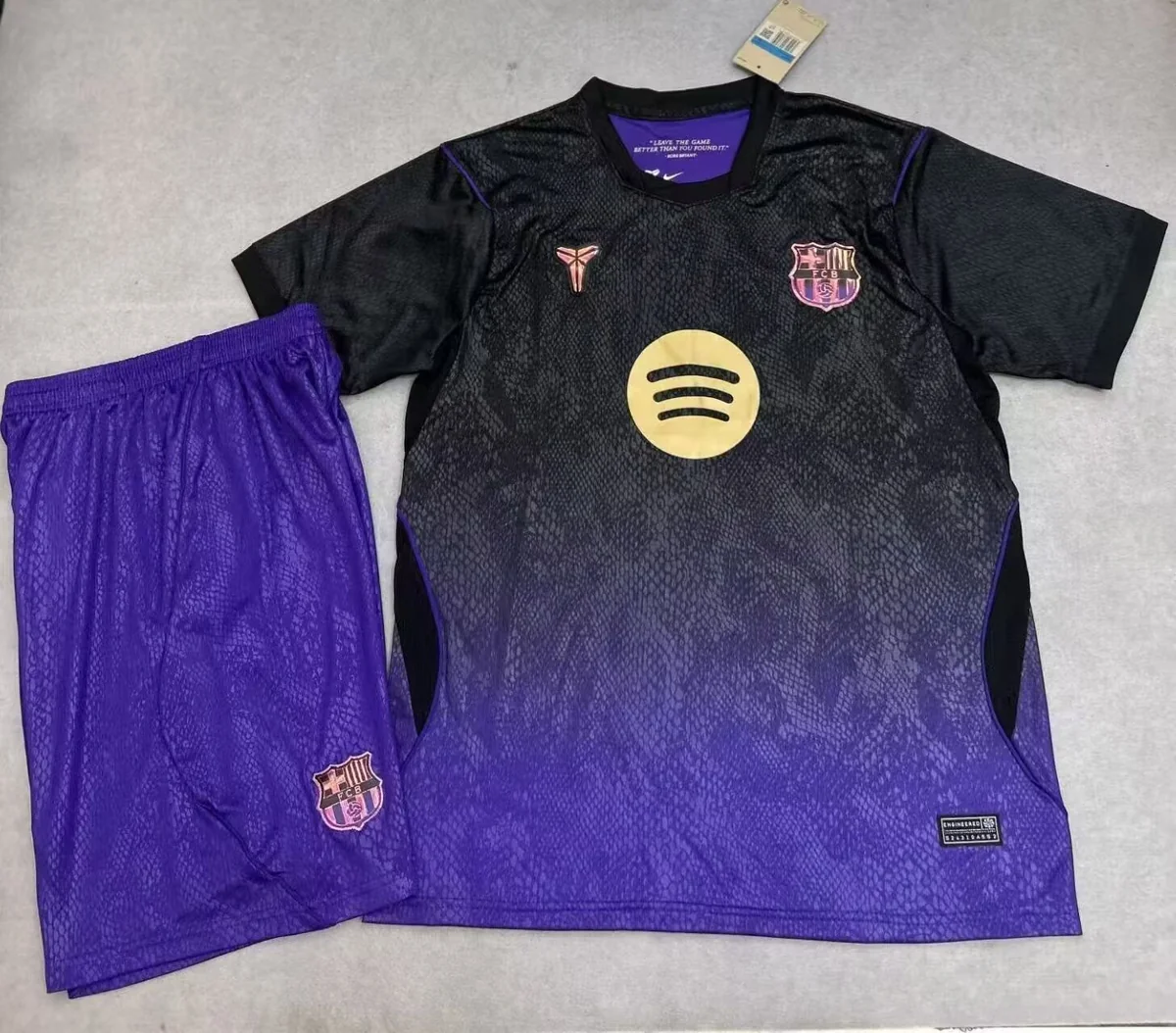
A mixed order is easiest to check when each product reference, version, size and printing choice has a separate row. Two shirts with different names or numbers should not be hidden inside one total. Start from the individual catalogue links so both buyer and seller can match the same photographs.
Keep your own reference code
Add your own order-line code beside the supplier’s reference. This helps you reconcile photos, quotes and later confirmations without relying only on similar team names. Save the final product link and pictured design as part of your record, especially when asking about a replacement or repeat order.
Review a quote in the same structure
Ask the seller to return the quote against your order lines. Keep garment price, printing charge and delivery quote separate. Confirm how the quantity is counted for sets, and check that requested sizes have not been combined or substituted without your approval.
Confirm changes before approving
If a reference is unavailable, ask for the alternative link and photos before accepting it. Do not treat a catalogue as a live inventory system. A repeat order should be reconfirmed against current photos, measurements and availability rather than relying solely on an earlier purchase.
An order sheet that can be checked twice
The same sheet should work when you request the quote and when you review the confirmation. Keep the original requested quantity beside the accepted quantity rather than replacing one with the other.
Swipe the table to see all columns →
| Column | What belongs here | Review step |
|---|---|---|
| Line code | A short identifier such as R01 | Use it in every photo, correction and quote reply. |
| Reference | Product URL, version, size and print specification | Check that the returned reference matches. |
| Unit | Single shirt, pair of shorts or defined complete set | Do not add unlike units into an unexplained total. |
| Requested / confirmed | Two separate quantity fields | Spot partial availability before approval. |
| Change status | No change, proposed alternative or approved alternative | Keep substitutions visible. |
Example: reconcile units before accepting a total
Illustrative order arithmetic: four single shirts plus three confirmed two-piece sets are seven ordering units and ten garments. A headline total of “7 pieces” would be ambiguous, so record both the unit type and its contents.
R01 | [shirt URL] | size __ | 4 single shirts | confirmed __
R02 | [set URL] | sizes __ | 3 sets, each 1 shirt + 1 shorts | confirmed __
Requested: 7 ordering units / 10 garments if set contents are confirmed
Alternatives: none approved until the replacement reference is checked.
For a repeat order, duplicate the specification into a fresh sheet and mark it as a new request. Keep the previous order code for reference, but ask for current quantities and any product changes instead of treating the earlier quote as permanent.
Your enquiry checklist
| Order line | Your code and individual product URL |
|---|---|
| Specification | Version, size and printing |
| Quantity | Shirts or complete sets |
| Changes | Approved alternative and current photos |
Catalogue references
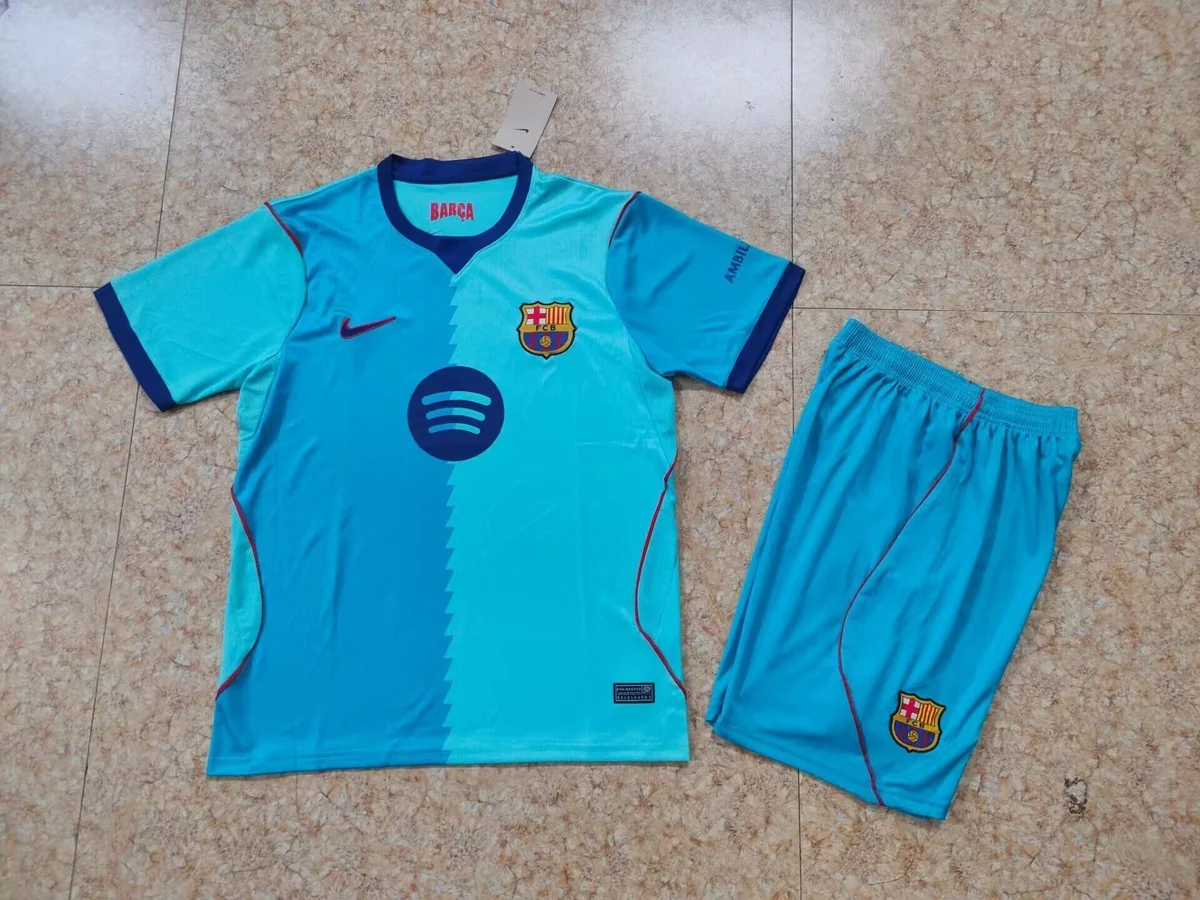
Catalogue photographs do not establish current stock.
Common questions
Should a mixed order be one total quantity?
Include the total, but also show the quantity for each reference, size and printing combination.
Does the Stockroom name establish live inventory?
No. Confirm current availability for each selected reference directly with the seller.
More questions about your selection
How do I handle a partially available size?
Keep the requested quantity, add the confirmed quantity in its own column, and decide separately whether to reduce the line or approve a replacement.
Should a different printed name have a separate line?
Yes. Separating the print combinations makes the quantity and exact text checkable without relying on a note shared across several shirts.
Ask about your selection
Send the product links, sizes and quantities to confirm current photos, availability and a quote for your destination.